Logging in to Run.ai
To log in to a Run.ai project, in the Panel Klienta, go to the list of your GPU/AI environments, and then click the button with the console icon on the environment list.
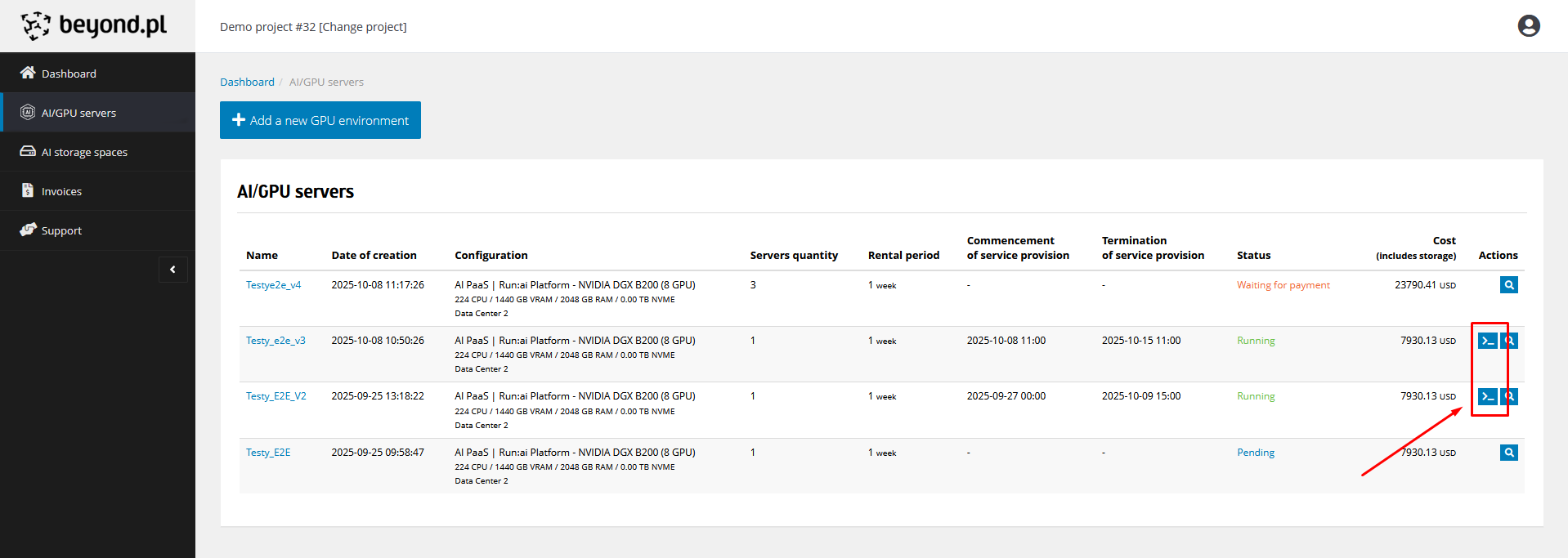
The second possibility is to enter the detailed view of the environment you want to connect to and click the Run:AI button there.
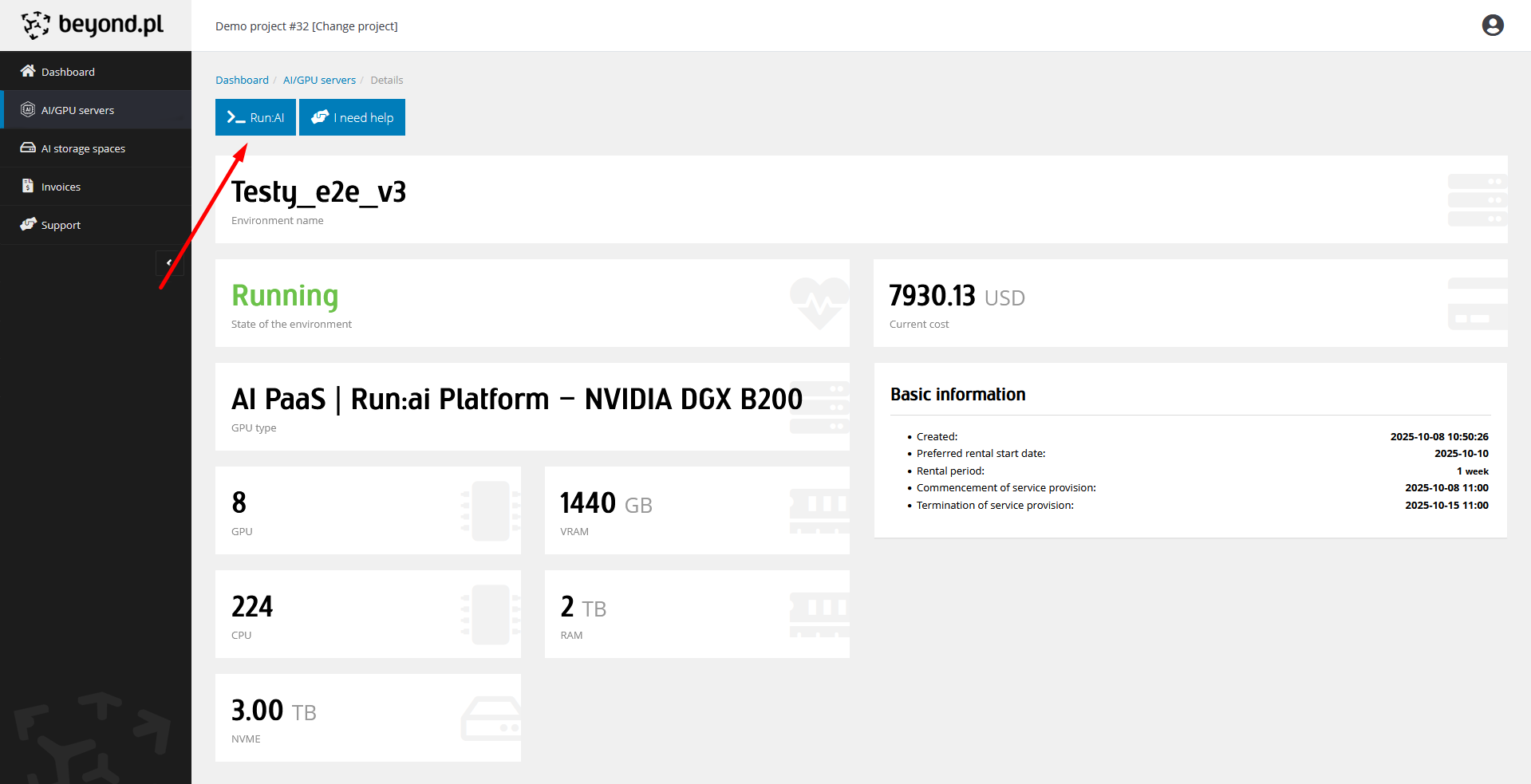
Regardless of the selected path, the panel will automatically log you in and redirect you to the project on the Run:AI platform.