How to configure autoscaling for inference workload
This section explains how to configure autoscaling for inference workloads.
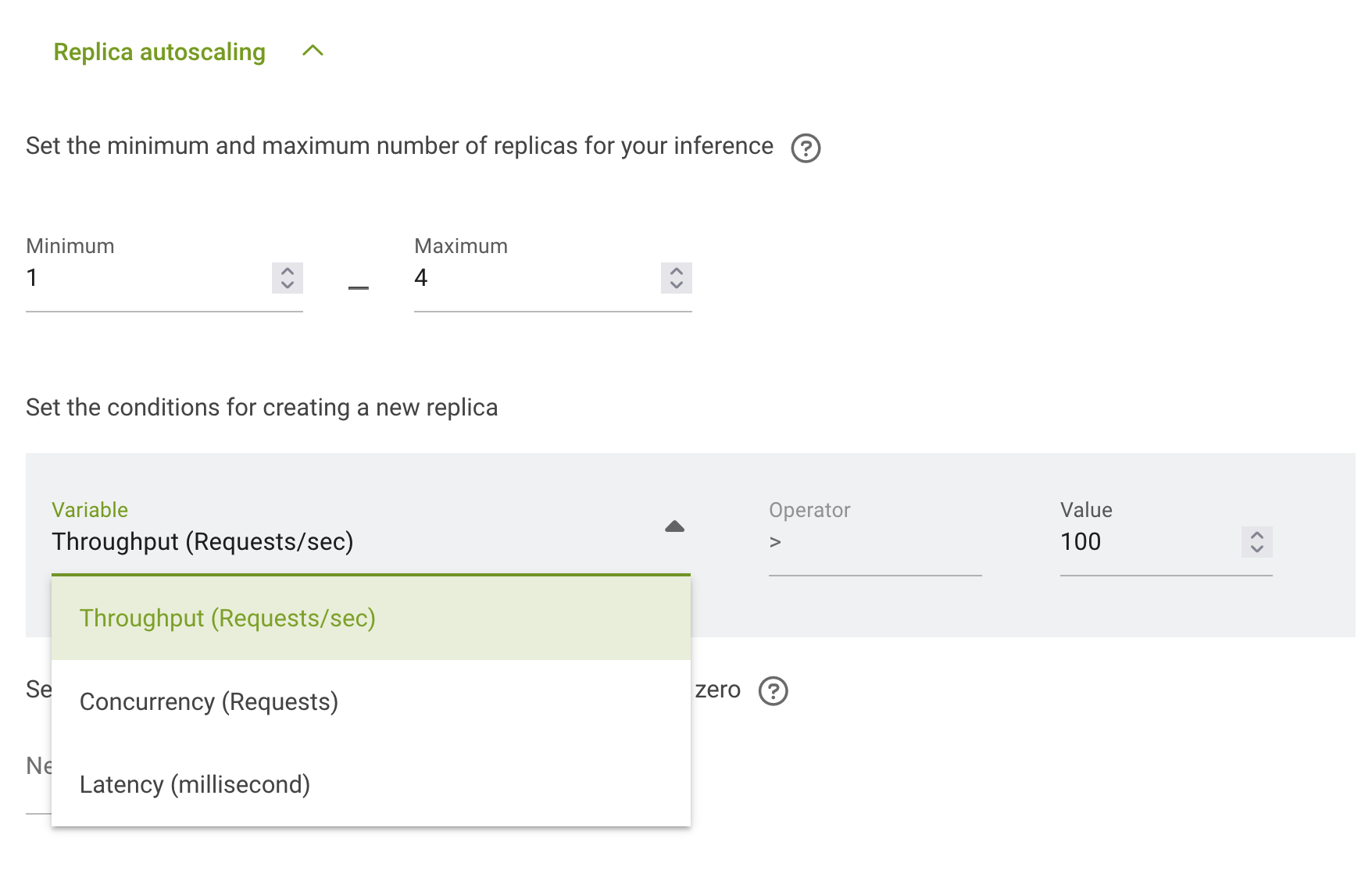
Autoscaling configuration is done in the section Replica autoscaling. You can follow the instruction for How to deploy distributed inference workload to get to that section.
First you need to set the minimum number of replicas – the amount of replicas before autoscaling.
Second you need to set the maximum number of replicas – the amount of replicas after full autoscaling.
Now you need to configure the conditions under which autoscaling will start. There are 3 options in run:ai: - Throughput (Requests/sec) - Concurrency (Requests) - Latency (Millisecond)
And for selected on you need to set the value:
Upscale and downscale will be done automatically according to the conditions.