Ordering an AI space
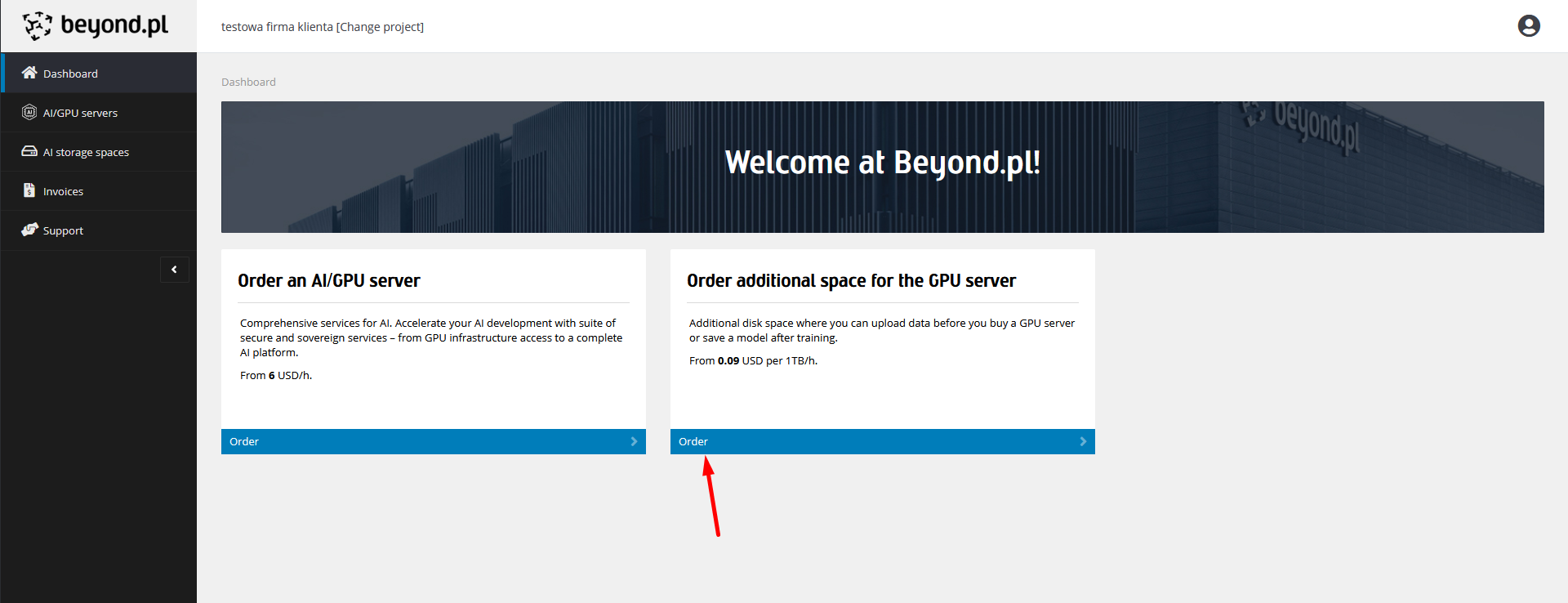
After logging into the Customer Panel, on the main page (or on the AI spaces list), click the Order button.
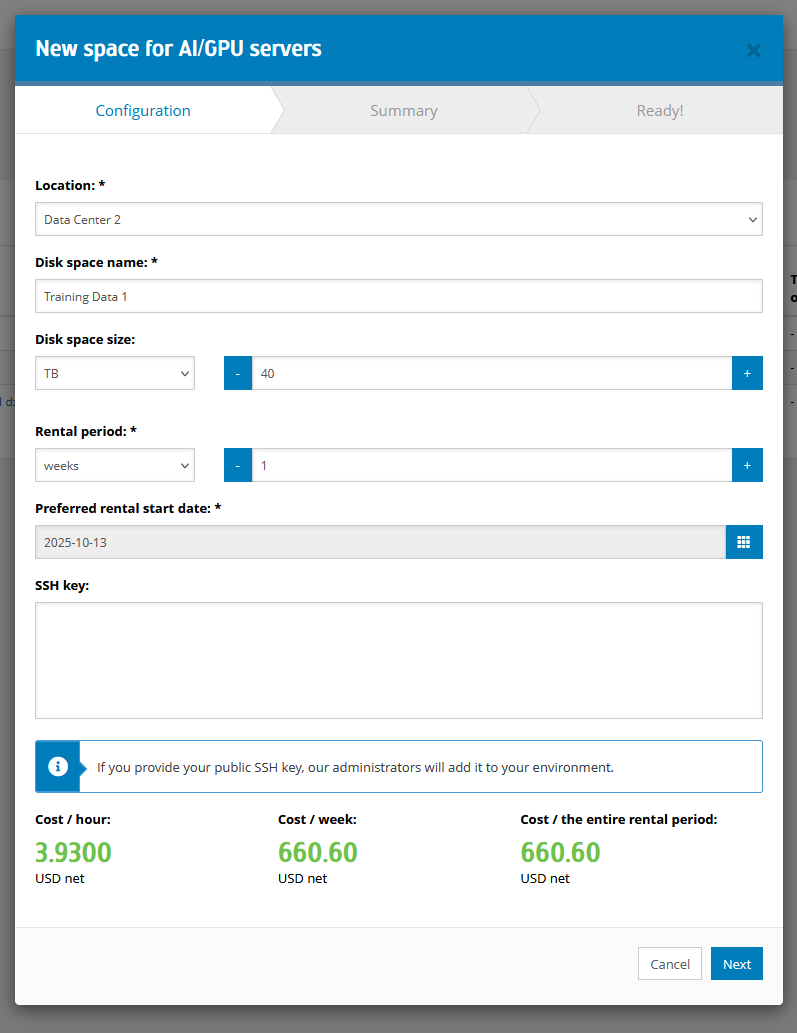
Next, you need to configure your AI space. We can specify the space size and contract duration. The field named Preferowana data rozpoczęcia wynajmu specifies the date from which we would like to start renting the space. If we provide our public SSH key, Beyond.pl administrators will add it to the ordered data space.
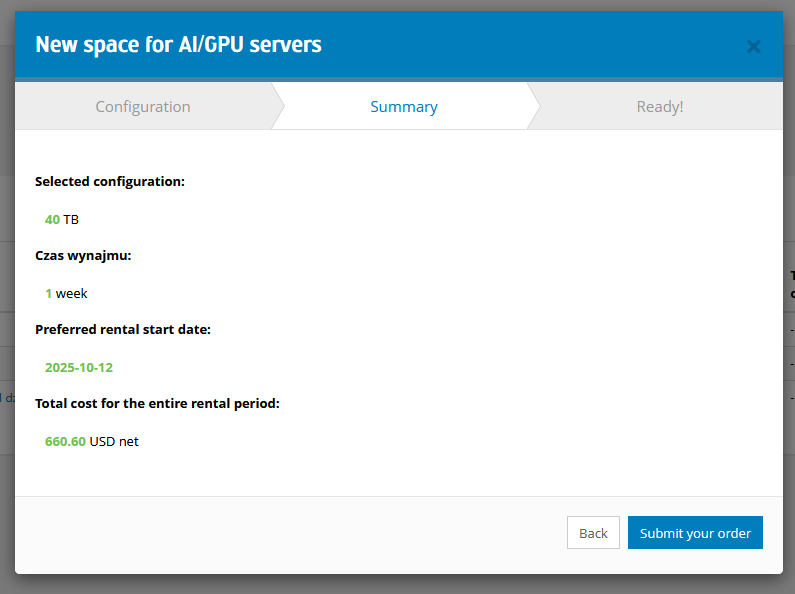
Next, we have the screen summarizing our order. If everything is correct, click the Submit your order button.
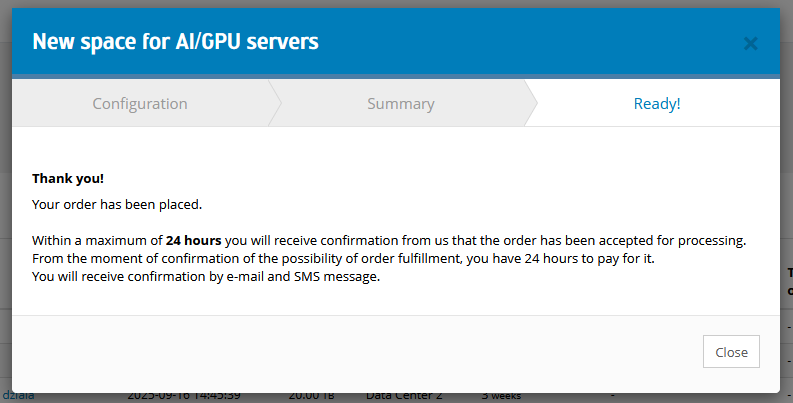
Placing the order will be confirmed by an e-mail message. From this moment, our customer service department will verify resource availability and within a maximum of 24 hours will confirm the possibility of fulfilling the order or, in the event that the resources are not available on the expected date, will propose another date.
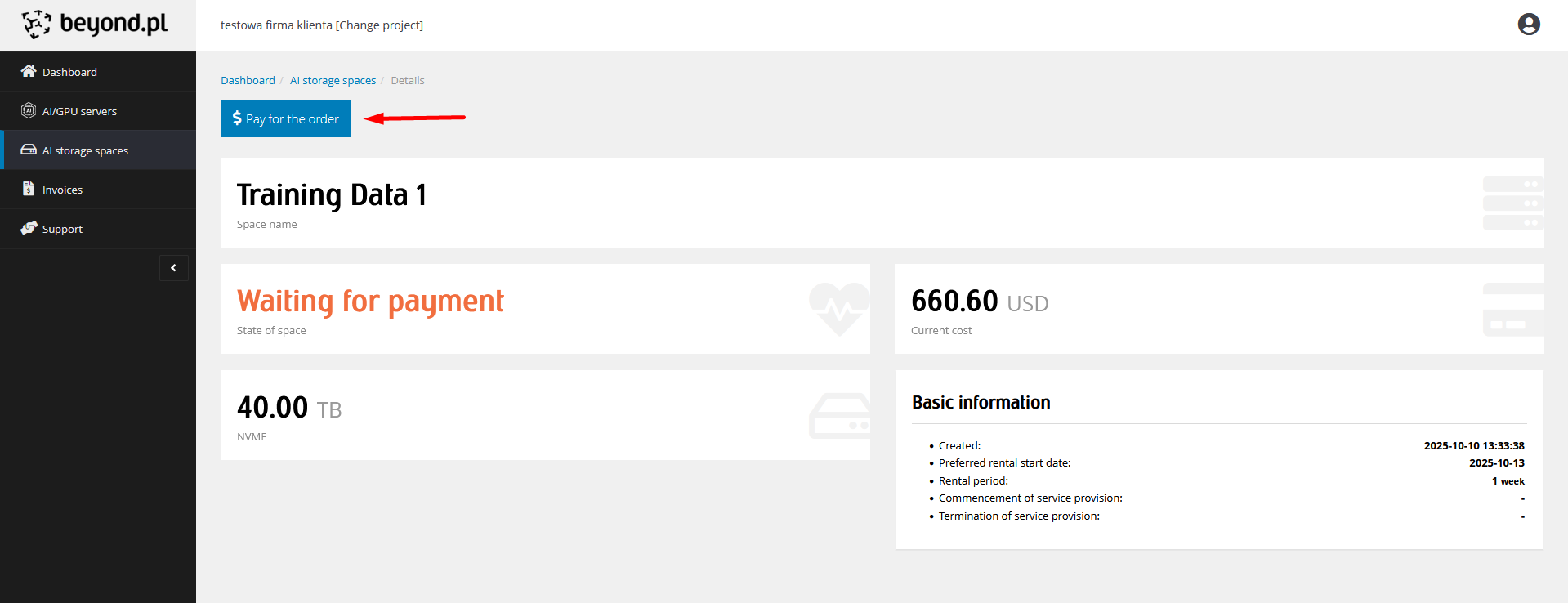
After confirmation of the possibility of fulfilling the order by our customer service, we will receive an e-mail and SMS with information that the order is awaiting payment. To do this, log in to the Customer Panel, on the list of AI/GPU spaces, click on the name of the environment or the Details button, and then on the Pay for the order button.
It is worth noting that each payment channel has a different commission imposed by the operator of that payment channel.
If for some reason we resign from payment, after 24 hours from receiving information about the possibility of fulfilling the order, the order will be cancelled.
After the order is paid for, our team of AI administrators prepares the space in accordance with the selected configuration.
After its creation, we will receive an e-mail and SMS with information that the environment has been launched.
Access data can be found in the detailed view of the space.